Best SketchUp Furniture Design Software & Plugins (2026)
Leave a Comment / By How to SketchUp / March 11, 2025

Designing furniture requires precision, creativity, and the right tools. Whether you're a professional designer, a carpenter, or a DIY enthusiast, using the right software can help streamline your workflow and bring your ideas to life. Here’s a look at some of the best software options for furniture design.
1. SketchUp
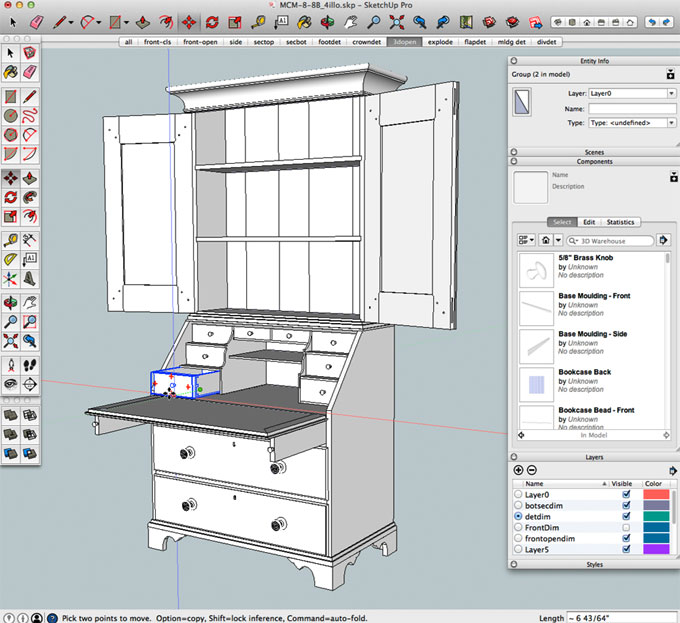
Best for: Beginners and professionals looking for an intuitive 3D modeling tool.
Key Features:
- Easy-to-use interface with drag-and-drop functionality
- Extensive library of furniture models and materials
- Free and Pro versions available
- Ideal for both conceptual and detailed design
2. AutoCAD
Best for: Precision drafting and technical drawings.
Key Features:
- Industry-standard CAD software
- 2D and 3D modeling capabilities
- Accurate measurements and detailing
- Ideal for professionals and large-scale projects
3. Fusion 360
Best for: Engineers and designers needing advanced 3D modeling and simulation.
Key Features:
- Parametric, direct, and freeform modeling
- Integrated simulation and rendering
- Cloud-based collaboration
- Strong manufacturing support for CNC machining
4. SolidWorks
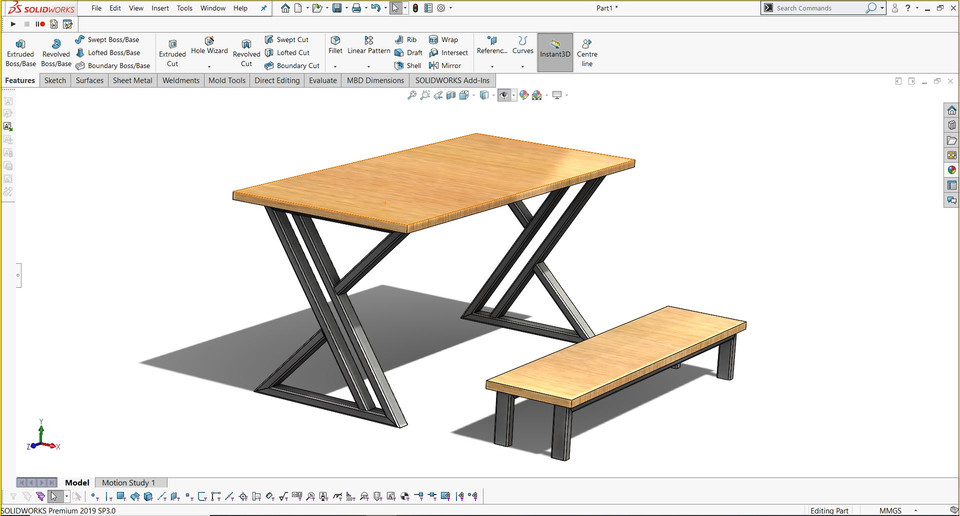
Best for: Industrial designers and engineers working on complex furniture designs.
Key Features:
- Powerful parametric 3D modeling tools
- Structural analysis and stress testing
- Highly detailed component design
- Used widely in professional manufacturing
5. Blender
Best for: Designers looking for free, open-source 3D modeling with advanced rendering.
Key Features:
- Detailed modeling and sculpting tools
- High-quality rendering and animation
- Large online community and free resources
- Best suited for artistic and conceptual designs
6. Rhino 3D
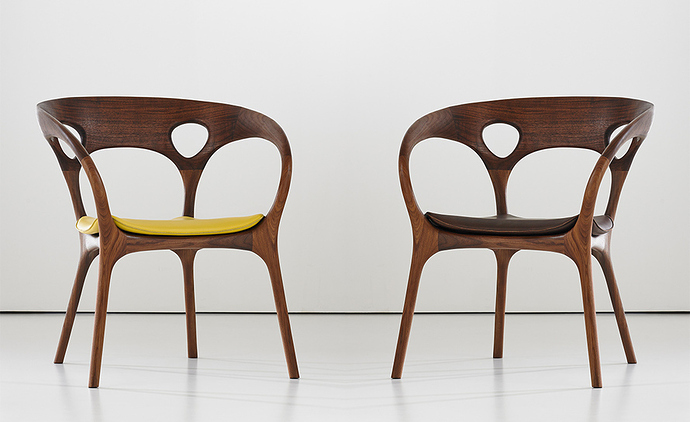
Best for: Complex and organic furniture shapes.
Key Features:
- Advanced NURBS modeling for precise curves and surfaces
- Great for custom and artistic designs
- Compatible with CNC and 3D printing
- Supports scripting for automation
7. Woodwork for Inventor
Best for: Cabinet makers and woodworkers using Autodesk Inventor.
Key Features:
- Automates wood-specific design tasks
- Accurate material calculations
- Supports joinery, paneling, and frame design
- Seamless integration with Autodesk tools
Choosing the Right Software
The best software for furniture design depends on your needs. If you're a beginner, SketchUp is a great starting point. For professionals working with technical precision, AutoCAD or SolidWorks is a solid choice. If you need advanced modeling and rendering, Rhino 3D or Blender may be the best fit. For woodworkers, Woodwork for Inventor offers specialized features.
Whatever your choice, using the right software will help you create better designs, improve efficiency, and bring your furniture ideas to life.
FAQ: SketchUp for Furniture Design
Is SketchUp good for furniture design?
Yes — SketchUp is one of the most popular 3D tools among cabinetmakers and furniture designers. Push/Pull makes fast solid modelling; plugins like CutList, OpenCutList and Fredo Corner add joinery and material optimization.
What is the best plugin for furniture design in SketchUp?
OpenCutList (free) generates cut lists and material reports from any group; Profile Builder 3 speeds up parametric shelves and frames; Fredo Corner adds real chamfers and fillets to woodwork.
Can SketchUp export files for CNC machines?
Yes — export DXF or DWG (Pro/Studio) for 2D CNC routers, or STL for 3D CNC and 3D printers. Free extensions like SketchUcation's CutList++ prepare parts for nesting.
Is SketchUp Free enough for furniture design?
For basic personal projects yes — but the lack of DWG/DXF export and plugins limits it fast. Serious cabinetmakers need SketchUp Pro to unlock cut-list plugins and CNC export.